Writing
Blog文章
Technical notes on Linux servers, networking, data acquisition, and cloud/edge engineering. 關於 Linux 伺服器、網路、資料採集與雲端/邊緣工程的技術筆記。
-
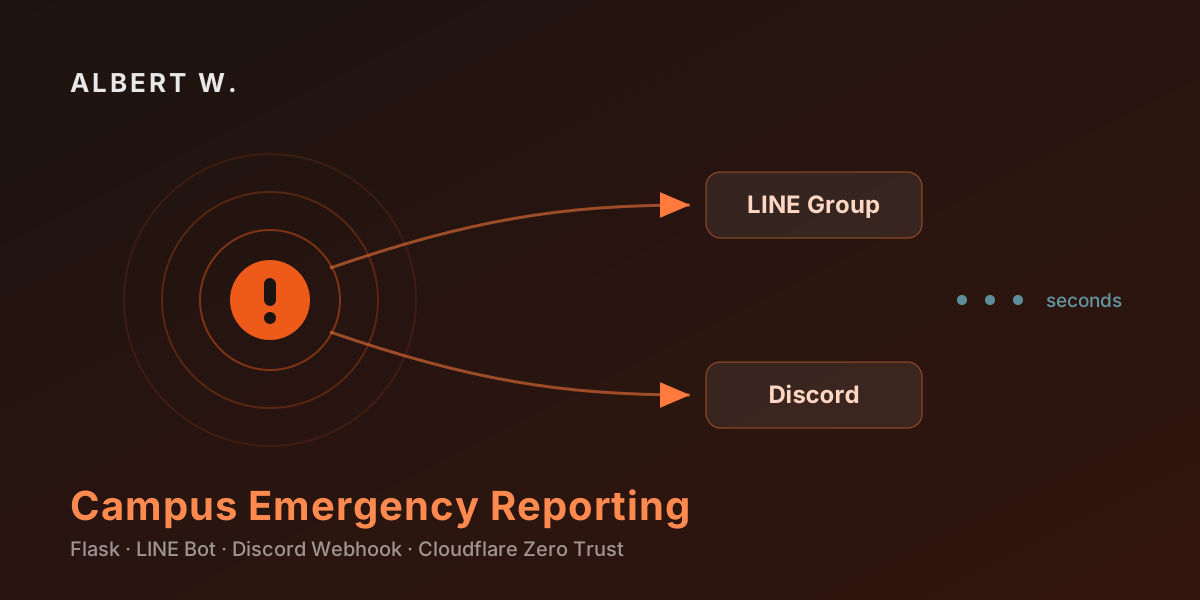
Designing an Emergency Reporting System for a Campus Rescue Team 為校園救護隊設計緊急事件通報系統
How the FCU EMS dispatch system turns a panicked phone call into a structured LINE and Discord broadcast in seconds — and why the admin console lives on a completely separate site. 逢甲 EMS 通報系統如何在數秒內把慌亂的求助轉成結構化的 LINE 與 Discord 廣播,以及為什麼管理後台要獨立成另一個網站。
-
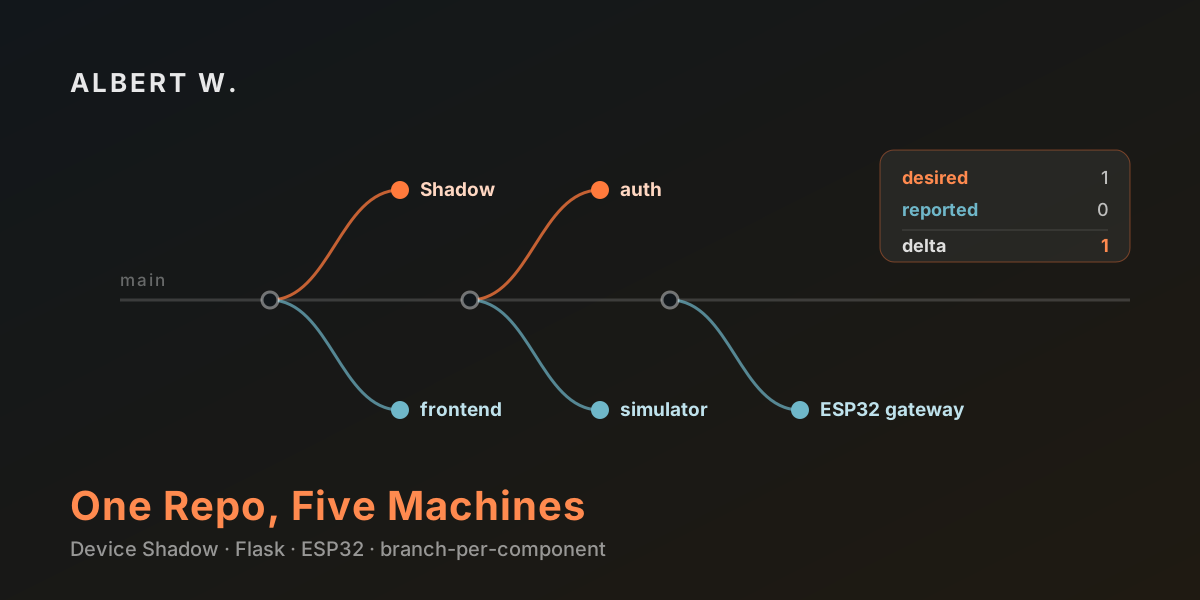
One Repo, Five Machines: Branch-per-Component in an IoT Build 一個儲存庫、五台機器:以分支切分 IoT 系統元件
A self-hosted AWS IoT Device Shadow clone where every component — Flask shadow, auth server, control room, ESP32 gateway — lives on its own Git branch, and a physical switch can always overrule the cloud. 自架版的 AWS IoT Device Shadow:Flask Shadow、認證伺服器、中控台、ESP32 閘道各自佔據一條 Git 分支,而實體開關永遠可以否決雲端。
-
Automatic Security Updates on Ubuntu 設定 Ubuntu 自動安全更新
Enable unattended-upgrades on Ubuntu so security patches install themselves — three commands to install, enable, and configure. 在 Ubuntu 上啟用 unattended-upgrades,讓安全性更新自動安裝 —— 用三段指令完成安裝、啟用與設定。
-
Building a Real-Time Vibration DAQ Dashboard in Python 用 Python 打造即時振動資料採集儀表板
How I built a browser-based vibration data-acquisition system with a five-thread, queue-driven Python architecture — reading Modbus RTU at high rates while keeping the UI smooth. 如何以五執行緒、佇列驅動的 Python 架構打造瀏覽器端振動資料採集系統 ── 在高速讀取 Modbus RTU 的同時,維持介面流暢。
-
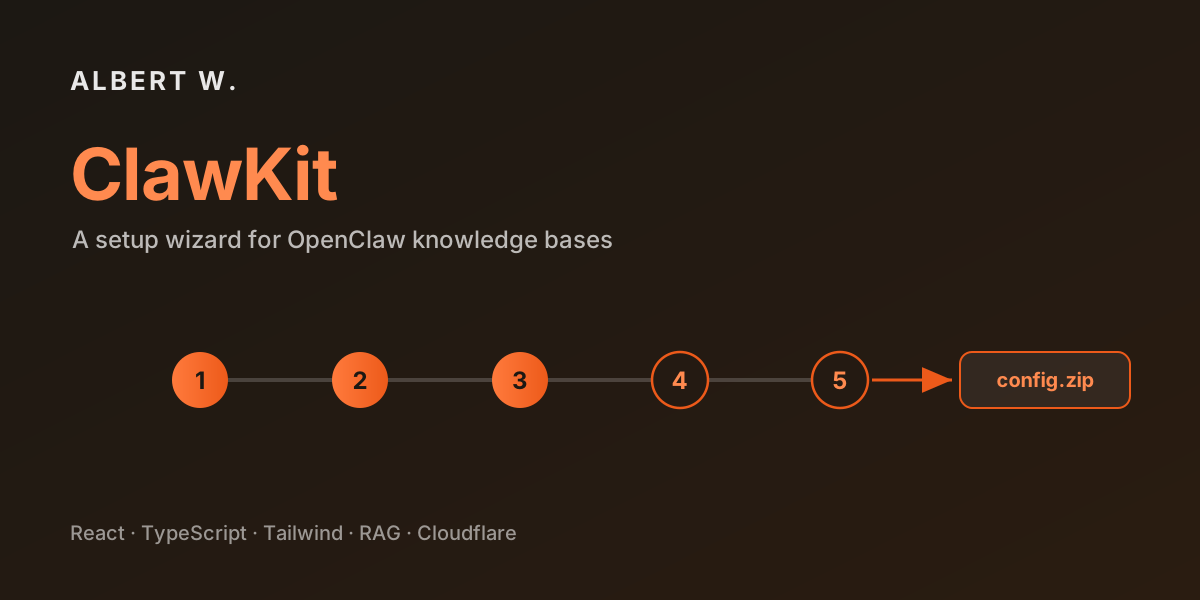
Introducing ClawKit: A Setup Wizard for OpenClaw Knowledge Bases ClawKit:為 OpenClaw 知識庫打造的設定精靈
ClawKit is a fully client-side wizard that turns a few simple questions into a complete, ready-to-use OpenClaw RAG configuration package — no CLI, no backend, and nothing stored. ClawKit 是一個純前端的設定精靈,把幾個簡單問題變成一份完整、可直接套用的 OpenClaw RAG 設定包 ── 不需要 CLI、沒有後端,也不儲存任何資料。
-
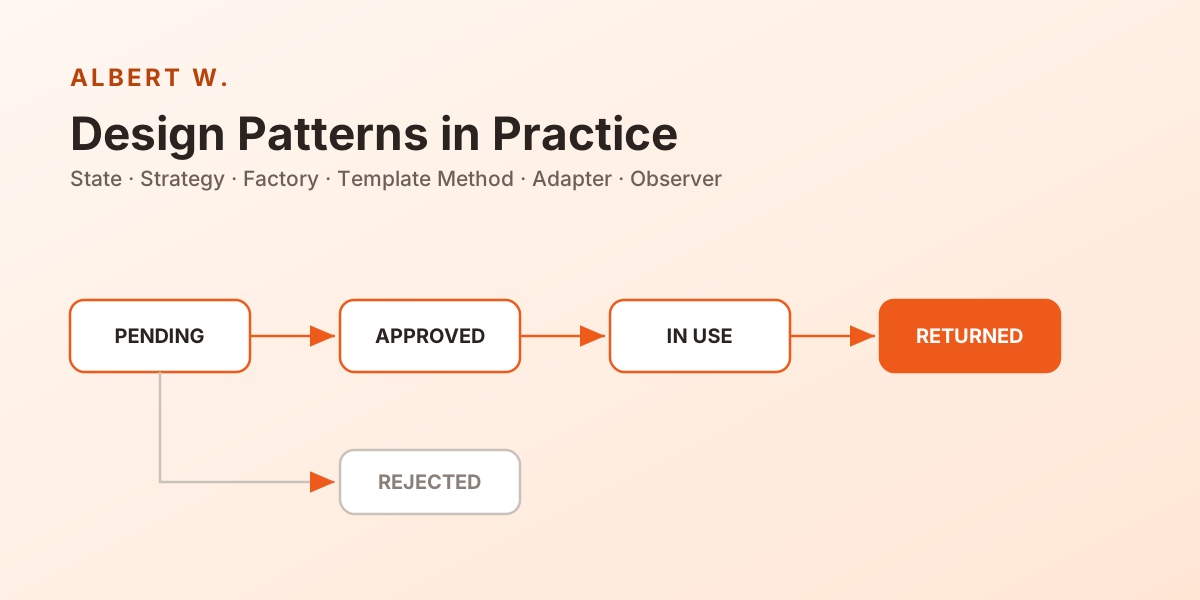
From if-else to Design Patterns: Architecting a Vehicle Management System 從 if-else 到設計模式:架構一套公司車輛管理系統
How our team built a Corporate Vehicle Management System on Spring Boot 3 and Vue 3 — leaning on the State, Strategy, Factory, Template Method, Adapter, and Observer patterns to keep the domain clean and testable. 我們如何以 Spring Boot 3 與 Vue 3 打造公司車輛管理系統 ── 運用 State、Strategy、Factory、Template Method、Adapter 與 Observer 等設計模式,讓領域邏輯保持乾淨、可測試。
-

Set up a website using Cloudflare Tunnel (Cloudflare's internal network tunneling) 使用 Cloudflare Tunnel 架設網站(Cloudflare 內網穿透)
Use Cloudflare Zero Trust to publish a server hosted in a local network environment to the public internet. 利用 Cloudflare Zero Trust 功能,將架設在內網環境的伺服器安全地發布至公共網路。
-

Apache2 Install on Debian 12 在 Debian 12 上安裝 Apache2
Step-by-step guide to install Apache2 and configure SSL certificates on Debian 12. 在 Debian 12 上安裝 Apache2 並設定 SSL 憑證的逐步教學。
-

Modify System and Hardware Time in Debian 12 在 Debian 12 上修改系統與硬體時間
Configure systemd-timesyncd with Taiwan NTP servers and sync the hardware clock on Debian 12. 在 Debian 12 上使用 systemd-timesyncd 設定台灣 NTP 伺服器並同步硬體時鐘。
-

Shadow System Explanation Shadow 系統說明
An explanation of the Shadow system that simulates AWS IoT Device Shadow for state synchronization between a frontend, edge device, and physical hardware. 說明模擬 AWS IoT Device Shadow 的 Shadow 系統,用於前端控制介面、本地閘道與實體裝置之間的狀態同步。
-

Install WordPress on Debian 12 (Bookworm) + Apache + Cloudflare Tunnel 在 Debian 12 (Bookworm) 上安裝 WordPress + Apache + Cloudflare Tunnel
A complete guide to installing WordPress on Debian 12 with Apache, SSL, Cloudflare Tunnel, and proper log configuration. 在 Debian 12 上完整安裝 WordPress 的教學,涵蓋 Apache、SSL 憑證、Cloudflare Tunnel 及日誌設定。
-

MariaDB Install on Debian 12 在 Debian 12 上安裝 MariaDB
Install and configure MariaDB on Debian 12, including security hardening and creating an admin account. 在 Debian 12 上安裝並設定 MariaDB,包含安全強化與建立管理員帳號。
-

PHP 8.2 Install on Debian 12 在 Debian 12 上安裝 PHP 8.2
Install PHP 8.2 on Debian 12 using the Sury APT repository, with Apache integration and WordPress module support. 使用 Sury APT 套件庫在 Debian 12 上安裝 PHP 8.2,包含 Apache 整合與 WordPress 所需模組。